Get your Starlink dish installed securely, safely and cabled up in under a day


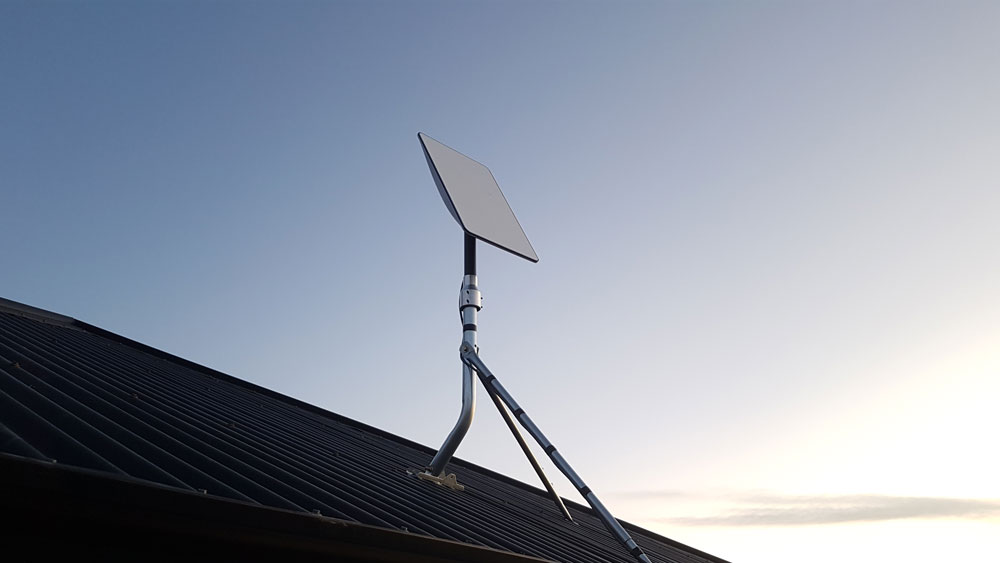
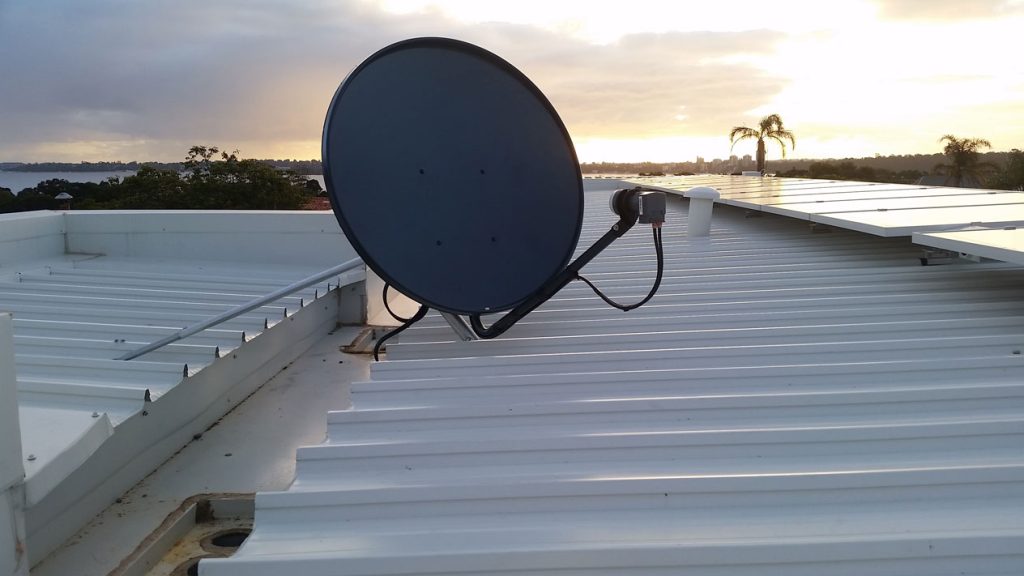
We cover every Starlink installation in Perth from commercial, residential and industrial premises. Starlink is a satellite network deployed by SpaceX and Tesla, providing high speed internet access across many parts of the world and now becoming a clear and fast alternative to the problematic NBN rollout, congested Fixed Wireless and Sky Muster.

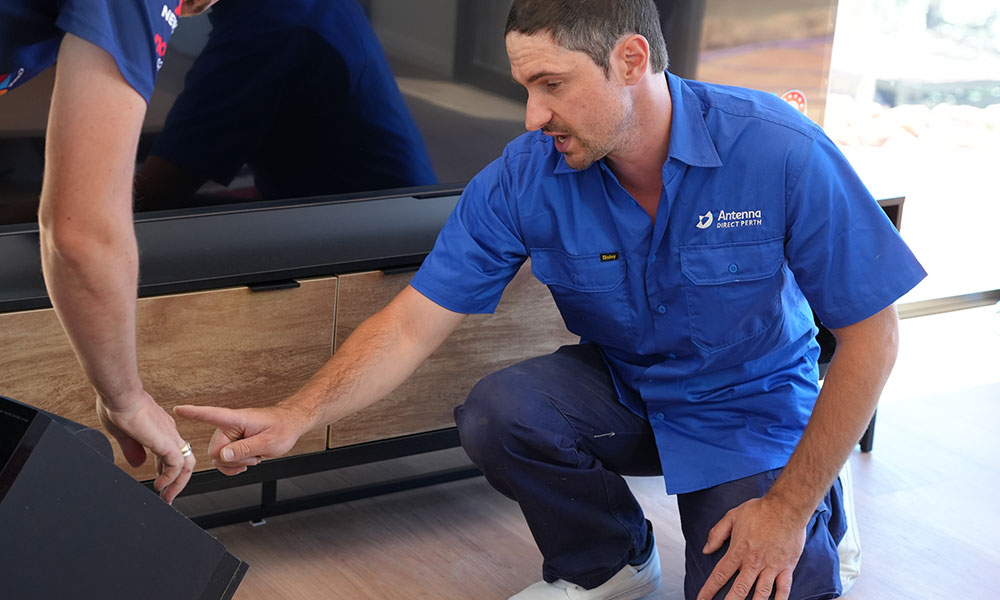
Our Starlink installation process

  • We check over your equipment.

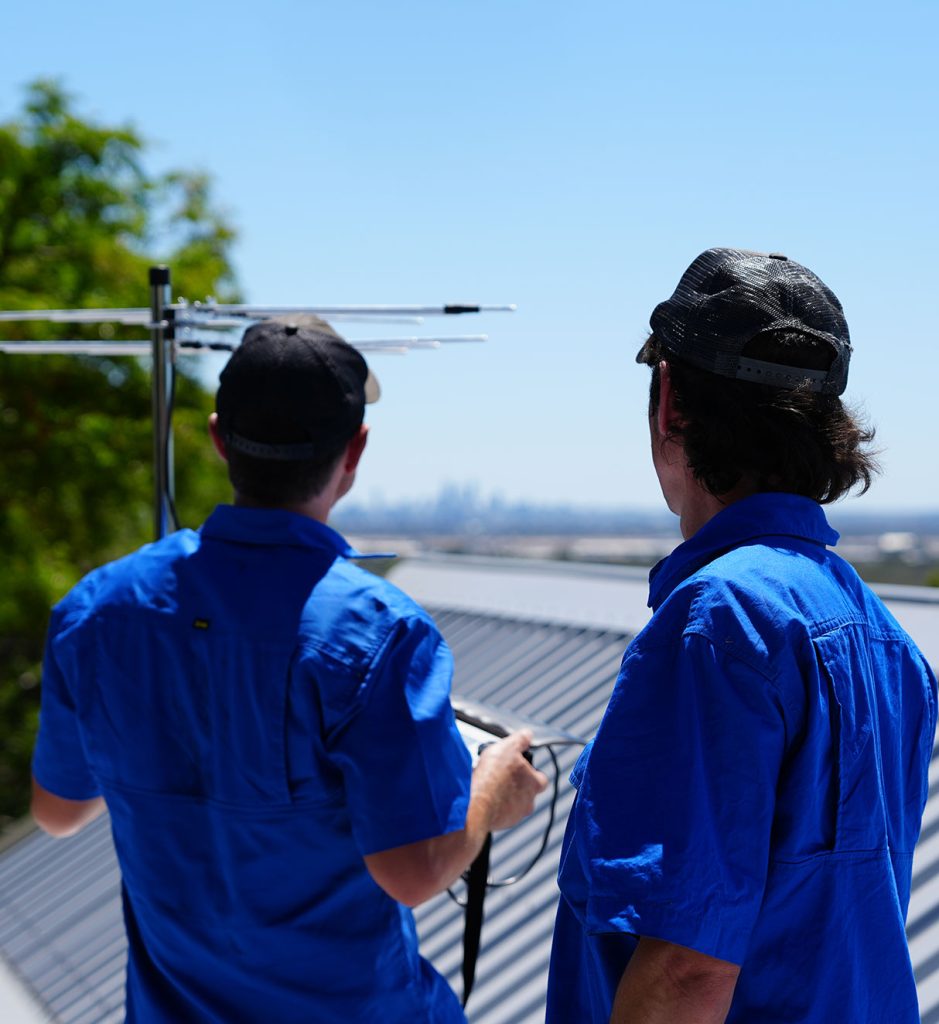
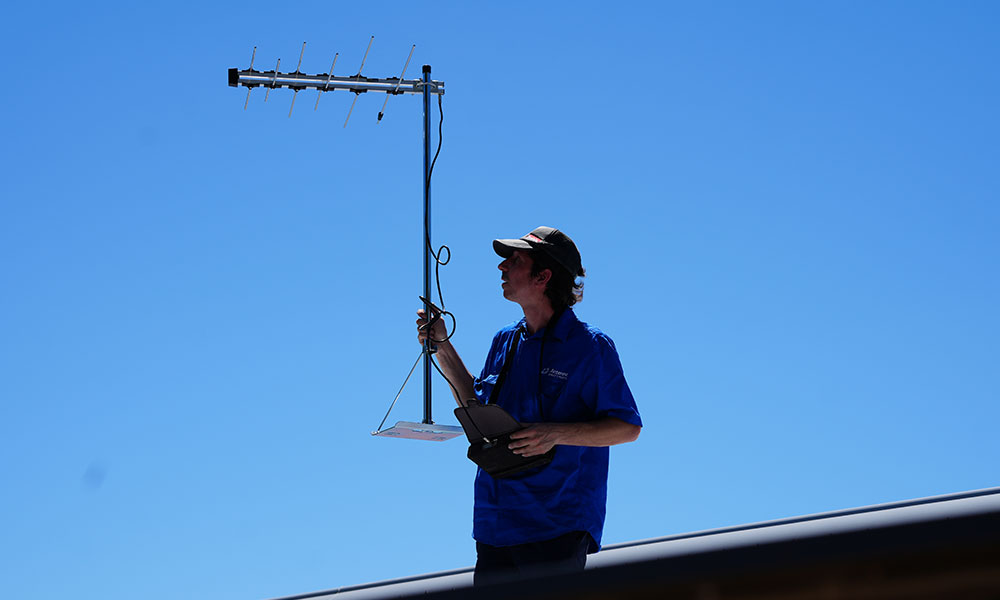
  • We perform a skyscan on various points on the roof.

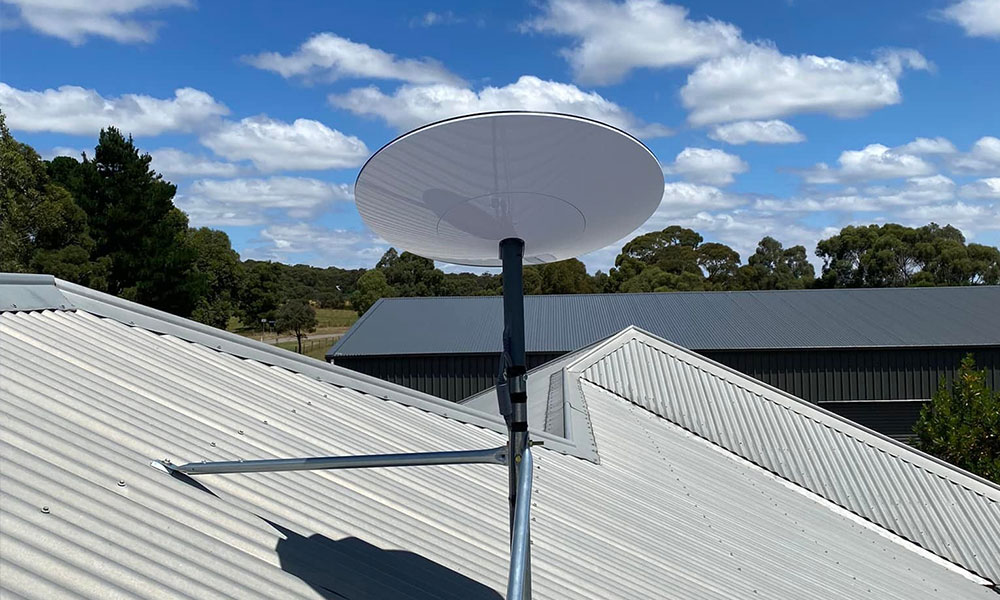
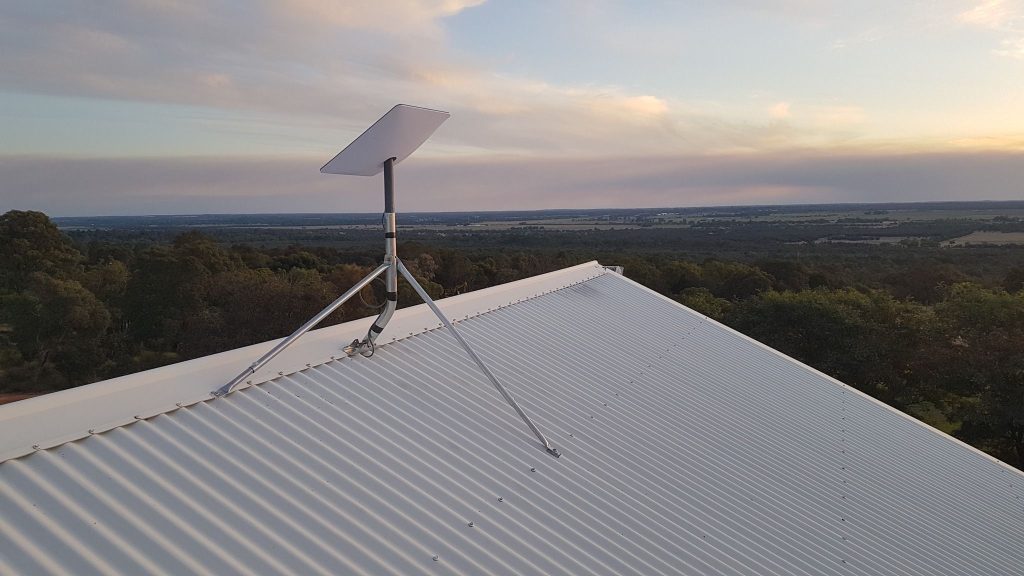
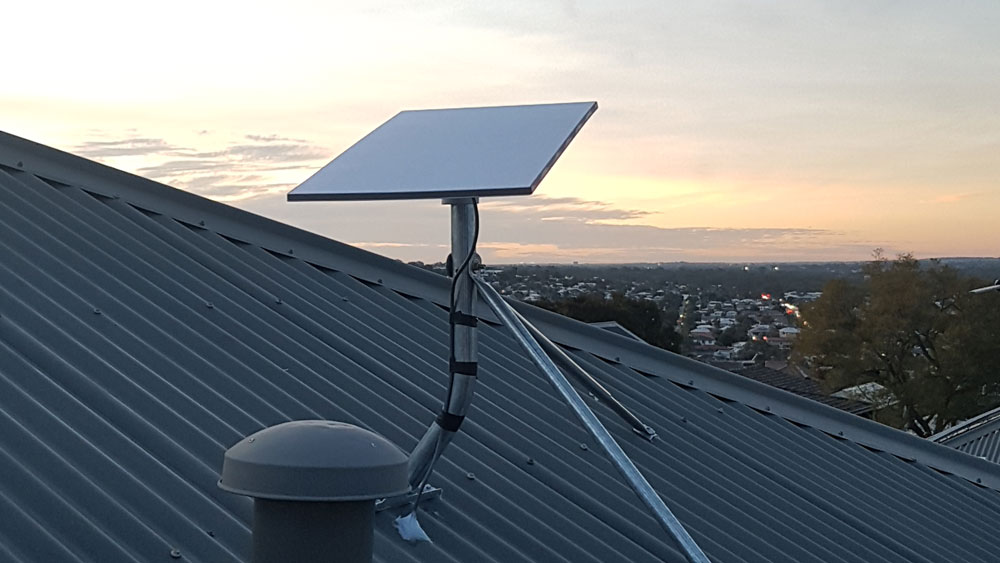
  • We install the dish securely on your roof, ensuring everything is safe and water-tight.

  • We help you finish your setup and ensure everything is working well before we leave.

Our recent work
Other services you might
be interested in

Let’s establish a signal

Feel free to call us with any questions, or leave a message through our website.

    Services Required

    Why choose Antenna Direct Perth?

    If you’re seeking reliable, high-quality audio/visual installation services in Perth, Antenna Direct Perth stands out as a top choice for several compelling reasons:

    • Careful and considerate in your home

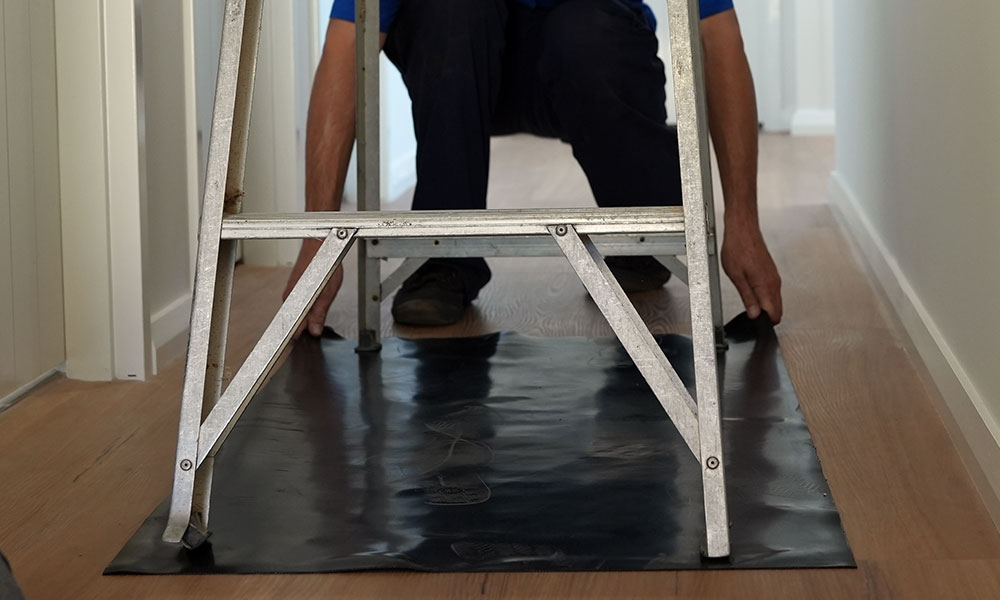
      It’s important to us to leave your home the way you found it. During your antenna installation, we’re extremely careful on your roof and do everything possible to avoid damaging your roof tiles and in the very rare event that we do, we’ll do the right thing and let you know about it.

      Antenna Direct Perth will always vacuum or sweep up after any wall drilling or general mess created whilst installing your antenna and its ports. Once we leave, you don’t have to do a thing. Just kick back and enjoy a clean and uninterrupted reception.

    • The Perth AV installer of choice

      Antenna Direct Perth is an owner-operated business – so the technician you speak to on the phone is the same person who’ll carry out your TV antenna installation.

      With expertise in antenna repairs and fault-finding, we don’t just default to replacing your antenna to save time or boost profit. We aim to fix the issue properly the first time – so you won’t need to call us back. But if you ever do, we’ll return and fix the job at no extra cost.

      Antenna Direct Perth are also available 7 days a week, meaning you can get everything you need to be done at a time that’s convenient for you without needing to take time off work for installation of your antenna

    • Fully qualified and experienced

      Antenna Direct always uses quality products that are either Australian owned and operated companies or is backed by a solid warranty that is valid in Australia.

      All our installers have public liability insurance to the amount of $20 million, a certificate or a diploma in Telecommunications, White card and an open Cabler’s Licence with a “C” endorsement.

      On top of all of that, you should hear what others say about the provider that you’re about to choose. A simple search on Google for “Antenna Direct” will bring up plenty of 5-star reviews from many of our happy clients.

    • Quality, thoroughly tested and secured

      Choosing Antenna Direct is ensuring that the workmanship in your home is to the highest quality standards both structurally and aesthetically.

      Other antenna installation companies in Perth will often be cheaper than us, but unfortunately for the consumer we’re not all offering the same products, longevity, signal strength or service levels, so when you get the cheapest quote possible, you’re subsidising that cost in the build quality of the materials as well as the care in the installation process.

      We don’t say this to scare anyone or to convince them to go with us over our competitors. We simply see poor quality, Chinese made, antennas on people’s roofs that don’t take long to go faulty or antenna installation jobs that are dodgy and even just plain dangerous.

    Our guarantee

    At Antenna Direct Perth, professionalism isn’t just a promise—it’s the foundation of everything we do.

    Our work will be performed to the highest possible standard and thoroughly tested before we leave – and in the rare event that there ever is an issue, we’ll be back as a priority to make things right.

    We’ve
    made strong connections

    See what our customers are saying from just a handful of our 180+ 5-star Google reviews. Want to read them all? Just search Antenna Direct Perth.

    • Boris did an outstanding job installing my Starlink system in Doubleview. From the initial consultation to final setup, he was punctual, professional, and extremely knowledgeable. He knew exactly how to position the dish for the best signal and took the time to walk me through the setup and testing, plus provided advice on mesh node options for my whole house. The internet speed and stability are now amazing through my entire home.

      If you’re looking for a reliable and experienced installer for Starlink in Perth or Doubleview, Boris is your guy. Fast, friendly, and very reasonably priced.

      Thanks again!

      Ben
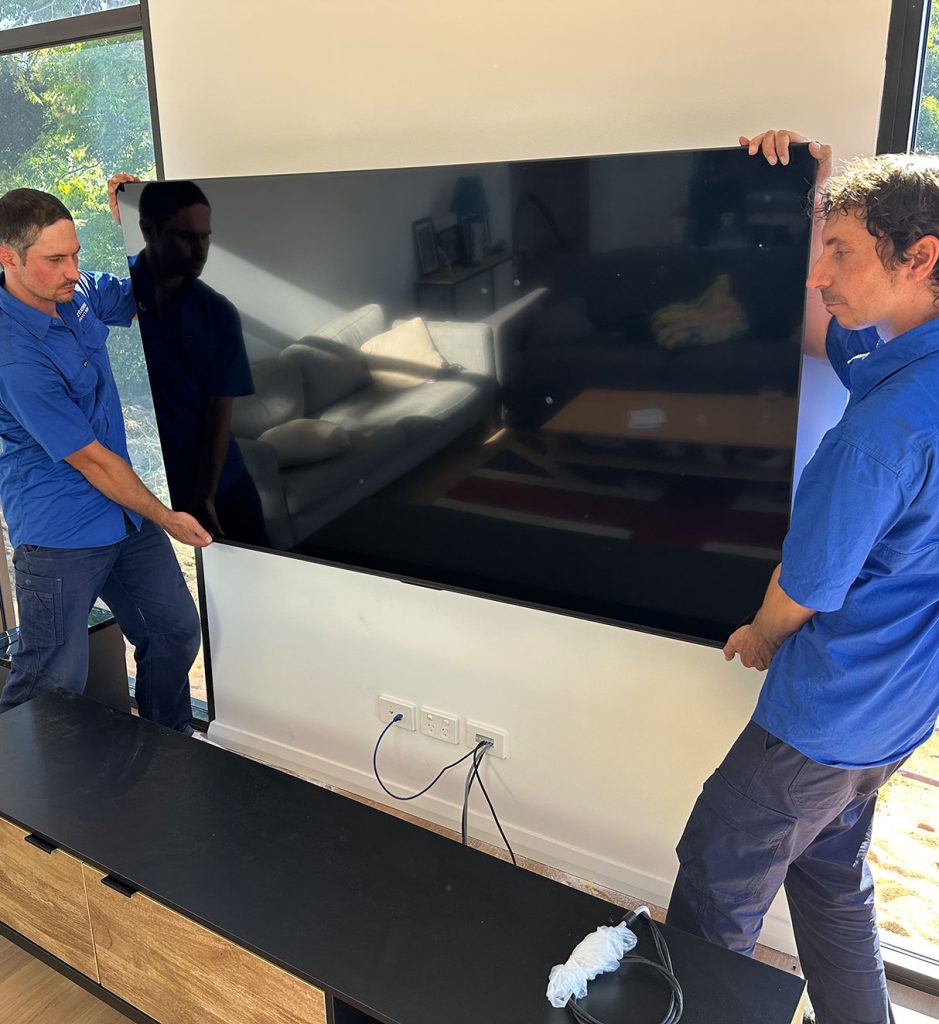
    • After calling a few places, decided to go with Antenna Direct as they were very prompt in answering my enquiry and provided a lot of information to questions I had as to the products they install. Had my Antenna installed and my TV wall mounted. Very professional and neat job.

      James
    • Definately using Boris again for any antenna/tv wall installations – excellent service and fair pricing 🙂

      Jane
    • Boris is personable and informative. His service was quick and precise. The new antenna installation fixed our poor reception on ABC and sbs channels. Good honest service at a good price.

      Stephen
    • It’s so hard to find reliable tradies these days. So it was wonderful to have Boris go above and beyond with my Starlink installation, with excellent communication and service. Highly recommend this business!

      Joyce
    • Asked at short notice to get TV mounting done. Boris came out on a Sunday arvo, amazing job, excellent price. Great work.

      Leigh

    Let’s establish a signal

    Feel free to call us with any questions, or leave a message through our website.

      Services Required

      More information on our
      Starlink installation services

      Why install a Starlink satellite?

      With over 2000 Starlink satellites orbiting around the earth, many parts of Perth and Australia are now covered allowing high speed internet availability with a direct unobstructed link to the sky, bringing speeds upto 300 megabits per second all with a small satellite dish mounted to the roof through CAT6 cabling to the desired room location of your Starlink router. Once the installation is complete the motorized dish automatically tracks and tunes to the required low orbit satellite. The newly released Gen 3 dish is a fixed unit which can receive signal from all satellites in range.

      What makes for the best Starlink install?

      Position

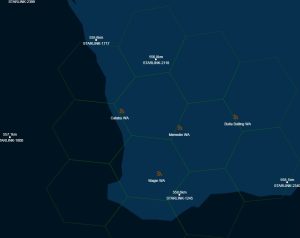
      The most important factor is the exact position of where the Starlink dish is installed.  As of early 2022, currently there is about 2 or 3 SpaceX satellites that provide coverage to the Perth area at any given time. Satellites constantly orbit and change their direction so the dish will re-tune to the best available satellite for any given time.

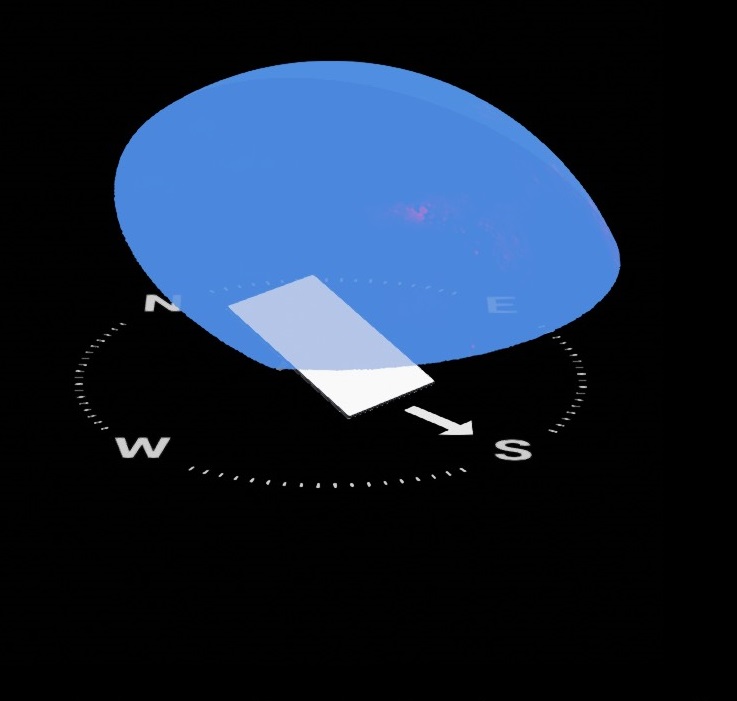
      For best download speed and reception of the service, South-West to South-East directions require the best view to the sky generally with no obstructions to at least 30 degrees.North-East and North-West directions are more forgiving with only a 50-70 degree minimum view of the sky required. During installation, a site survey is done to find the best spot on the roof for the  installation of the Starlink dish

      Stability

      Starlink dishes constantly re-tune by small increments to maintain the best alignment and signal from the nearest satellite that is in constant orbit. They re-align to compensate for any movement created by wind and are designed to work within these conditions, however movement during high throughput is shown to have an effect on download speed or live applications requiring low latency. It is important during mounting to make for the most firm install possible

      Care

      The Starlink dish is a robust piece in it’s ways, yet has a few fragile areas mainly the cable outlet from the dish and the end of the cable that plugs into the Starlink gateway. The Gen 2 square dishy
      especially has fragile cable ends that require a lot of care when running down wall cavities and the method in which the cable enters inside the roofspace.

      Will Starlink work in my area?

      To be able to physically access the Starlink network there is two criteria :

      1. Your city and suburb has coverage by Starlink satellites, you can check here – www.starlink.com/map

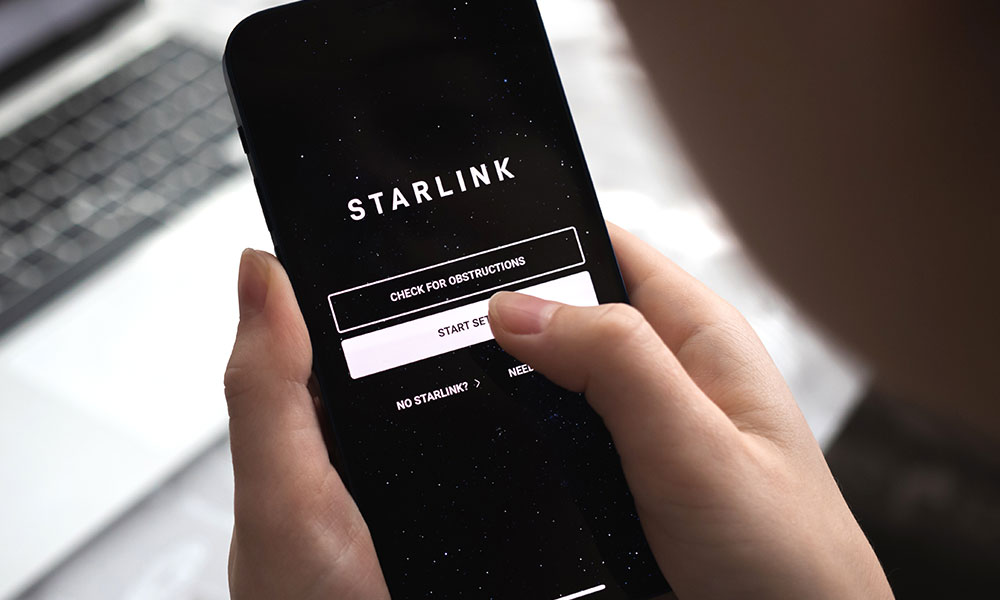
      2. You have enough visibility to the area of the sky that the satellites orbit around, they constantly move and the dish tracks to them, download the app “Starlink” and use the “scan for obstructions” feature, then scan the sky

      Even the smallest of obstructions can account for noticeable decrease in speed during the period of the day when the dish requires to point itself in the obstructed direction.
      Minimizing any potential obstruction is very important.

      Who installs Starlink?

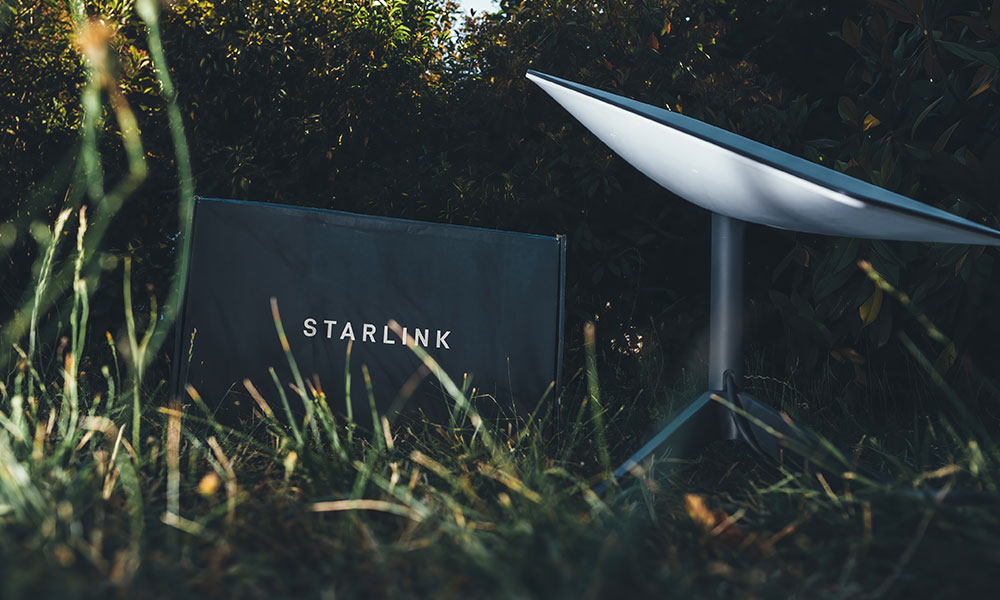
      Starlink equipment is designed and intended as DIY self install outdoors on the ground.   A stand and cable is supplied which plugs and starts up within minutes with no special tools. Many customers require installation on the roof of their homes which requires specific mounts, adapters, care and consideration to a few factors.  This is done by independent installation companies, not affiliated with Space-X or Starlink.

      Will computers and wired devices work?

      Current Starlink routers have no ethernet ports, that means you can’t connect any computers or wired devices directly to them. Straight out of the box the only way to use your Starlink internet services is via any device that has Wifi, such as a laptop, tablet or phone. An optional accessory called the “Ethernet Adapter” allows you to connect your existing router or modem to your Starlink. This is not included, you need to buy it separately during your signup procedure if you require to connect any wired devices to your Starlink router. You can purchase it afterwards if it becomes a requirement.

      CCTV camera systems and ceiling mounted Wifi extenders also require an ethernet adapter.

      The installation service provided by a Starlink installer in Perth is a labour service to carefully mount your dish and run cabling to the required location. As you have existing devices, often additional cabling or slight modifications may need to be done which is a separate job, or IP address or DNS re-configuration which any IT technician can do, yet in some cases your computers may auto-discover the Starlink router once connected.

      The Starlink Cable

      Starlink dishes are connected by a propriety cable that carries both data and power to/from the Starlink dish. It differs to regular CAT6 cables in that it has it’s own style of connectors. They can be quite fragile, especially when pulling up cavity walls and pushing down conduits. The standard Starlink cable length is 22.9 meters (75 feet). This is generally long enough for most houses, however an optional 50 meter (150 foot) cable is available. As a general guide a home longer than 20 meters with a high pitch roof, is pushing the limits of the shorter cable.

      The smaller end (dish side) of the Starlink able head has a maximum diameter of 15.24mm. Consideration should be taken if it ever needs to fit down a certain conduit on a single brick wall for example or any external ducting. While the ends are a propriety design, the cable itself internally is a shielded CAT6 cable. The cable sheath denotes it’s suitability for outdoor use. The somewhat loose fitting connector at the dish doesn’t quite inspire confidence, yet it’s recessed deep inside the dish pole which is beneficial for shielding against rain. It’s questionable weather salt spray in windy coastal areas can eventually work it’s way past the seal

      Cost and Power Consumption

      Service costs vary and are available on the Starlink website, depending on whether it is a residential or business plan. As of October 2022, monthly charges are $139 with hardware cost of $924.
      This cost varies so a good idea is always to check on the Starlink website.

      What is important to consider in the cost is that the dish consumes about 20-40 watts during idle conditions, and upto 110 watts during heavy use. Depending on how often during the day internet is used, this may equate to a $10-$30 a month in electricity use. In Australia, 240V AC power is used, no DC powering option is available currently.

      How long is the warranty? What happens if something fails?

      Starlink equipment comes with a 12 month warranty, thereafter it is the customers responsibility to buy any replacement equipment. Power surges can also effect both the router and dish, at this point one may begin thinking about UPS and surge protectors. As Space-X is a USA based company, unlike your local internet service provider, no such tech support staff are available to do site visits. However basic common sense troubleshooting in many cases is enough to identify a fault or by the use of a local independent IT or Comms technician. The Starlink router and app have inbuilt troubleshooting algorithms built in allowing faults to be detected remotely. Limited official technical documentation for professionals is available currently, which would be greatly beneficial for troubleshooting onsite in the field as the uptake of Starlink ramps up.

      As of October 2022, all support from Starlink to customer is done via a support ticket, phone support is not available.

      Is Starlink good for gaming?

      Online gaming often not only requires a decently fast internet connection and a latency below 100ms, however latency and consistently of latency or jitter, is most important. On fast action first person shooter games, a jitter of 20 milliseconds of latency at a critical time could be the difference between your “shoot” click, registering before or after the target on the other side of Australia or an overseas server has actually moved away from your crosshair. Actual reported experience has been mixed, with certain users reporting they feel little or intermittent problems in their gaming. Racing or role playing games may not be of any issue, however Starlink may not be the best option for competitive first person shooter gaming if fibre-to-the-premises or better alternatives are available in your area.

      Does Starlink interfere with TV reception

      To date, very few reports of interference from Starlink dishes when installed appropriately, it’s mostly considered a non issue. It’s always a good idea to ensure the Starlink dish is installed in such a manner and position, that in any alignment state it’s radiation pattern will not beam toward the TV antenna or it’s signal path. It’s important to understand that Starlink is often installed in rural areas, some where the existing free-to-air signal strength and quality, while clear and watchable is already near the point of failure. Any minor changes such as putting an extra device up on the roof may be enough to effect an already heavily compromised signal. Best practice is required and the use of a field strength meter to test FTA signal quality before and after incase this is a potential concern. A good condition digital antenna will maximize the preferential signal strength while minimizing chances of interference, as is use of an LTE filter.

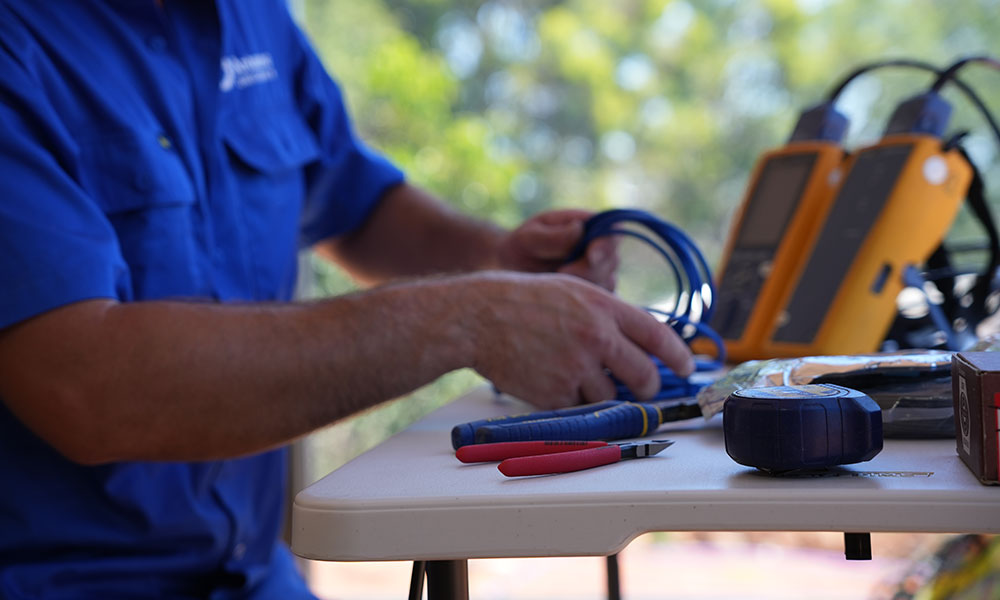
      A recent test we did in Wellard involved a new digital TV antenna held 50cm away from the Starlink dish, while doing repeated speed tests to simulate the highest throughput possible. No uncorrected errors or picture break up was picked up on the signal meter at all and no degradation of the signal quality reading was present. However once the TV antenna was placed directly in the line of sight of the Starlink dish, a strong high quality signal degraded quickly. What we can conclude from these tests are that the only scenario which we may expect interference is of TV antennas mounted on tall 5+ meter masts which may at some point of the day become in the line of sight of the radiation pattern of the Starlink dish

      Can I take the Starlink dish with me?

      Starlink dishes on residential plans are geofenced by default, meaning the dish is configured only to work if used at the registered address. Taking the Starlink dish with you such as on a camping trip would result in the denial of service. Essentially the reason is to allow each satellite around the world to serve a finite amount of customers as a quality of service measure. In 2022 Starlink introduced the portability option, which is accessible under “Add Portability” on your account page for an additional fee charged monthly. No extra equipment is required. You can disable portability once you return from your trip. Speeds during use away from your registered address may be slower.

      Removing the dish – an important consideration to take is whether your roof mount for your home allows for quick-disconnect and removal of the dish. As such a pole adapter is required to be purchased separately. Starlinks pole adapter is somewhat of a low quality, flimsy piece and aftermarket billet aluminum adapters are of a much better quality and appearance

      In motion use is prohibited for the standard dish. Starlinks terms of service specifically mention that use of the service is prohibited while the standard dish is physically moving, e.g while mounted to the roof of a caravan or campervan, while it is in motion.

      The newly released high performance dish, which is larger in dimensions is designed and allowed for in-motion use.

      What is the difference between Starlink and Starlink Roam / RV ?

      Starlink Roam (Formally Starlink RV), by default uses the same equipment as the standard Starlink plan, with a few differences in the plan and service

      1. Portability option is permanently enabled, meaning you can travel anywhere and use the service anywhere
      2. You can pause your service when you don’t want to use it, to save money.
      3. Starlink RV users are on a lower priority, meaning in times where the network has high use and demand, RV customers may receive lower speeds

      Is the Starlink router password protected?

      No. By default no password is set and the router is an open unsecured hotspot, anyone nearby can connect to your Starlink router. It is recommended to set a strong password.


      Does Starlink have a Static or Dynamic IP Address?

      Residential plans have a dynamic IP address. Business plans have the option for a static IP address. A useful check to carry out is to contact your existing service provider and ask them to tell you whether you are on a dynamic or static IP address.